Inventory software features
Stock, purchasing, orders, invoicing and scanning, for every location.
One set of records for stock, suppliers and customers, with every user and location on every plan.
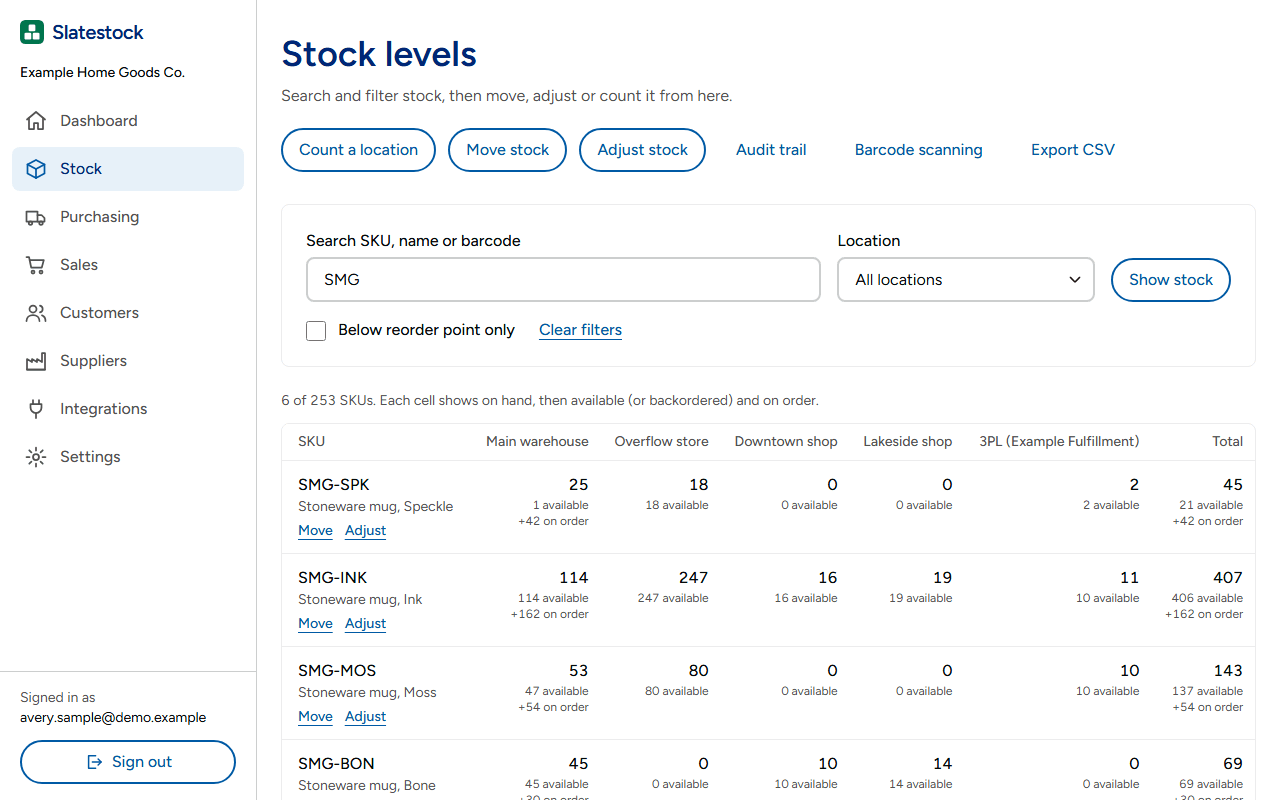
Stock control software
Stock on hand for every SKU, at every location.
Every receipt, sale, transfer and count updates the figure at that location.
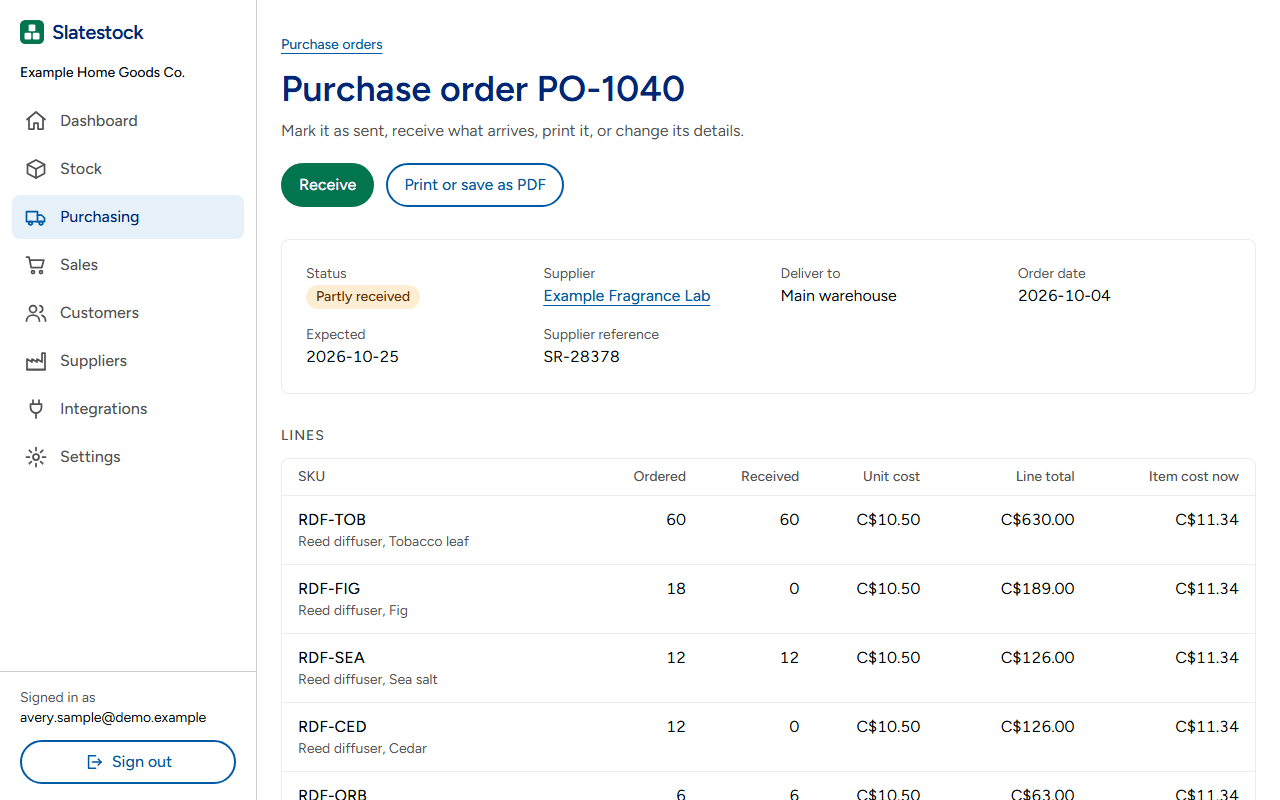
Purchase order software
Order from suppliers and receive what arrives.
Raise a purchase order, scan it in as the boxes arrive, and print labels for what came in.
- Unit cost is a weighted average that includes landed freight and duty.
- Stock value and cost of goods reports export to CSV.
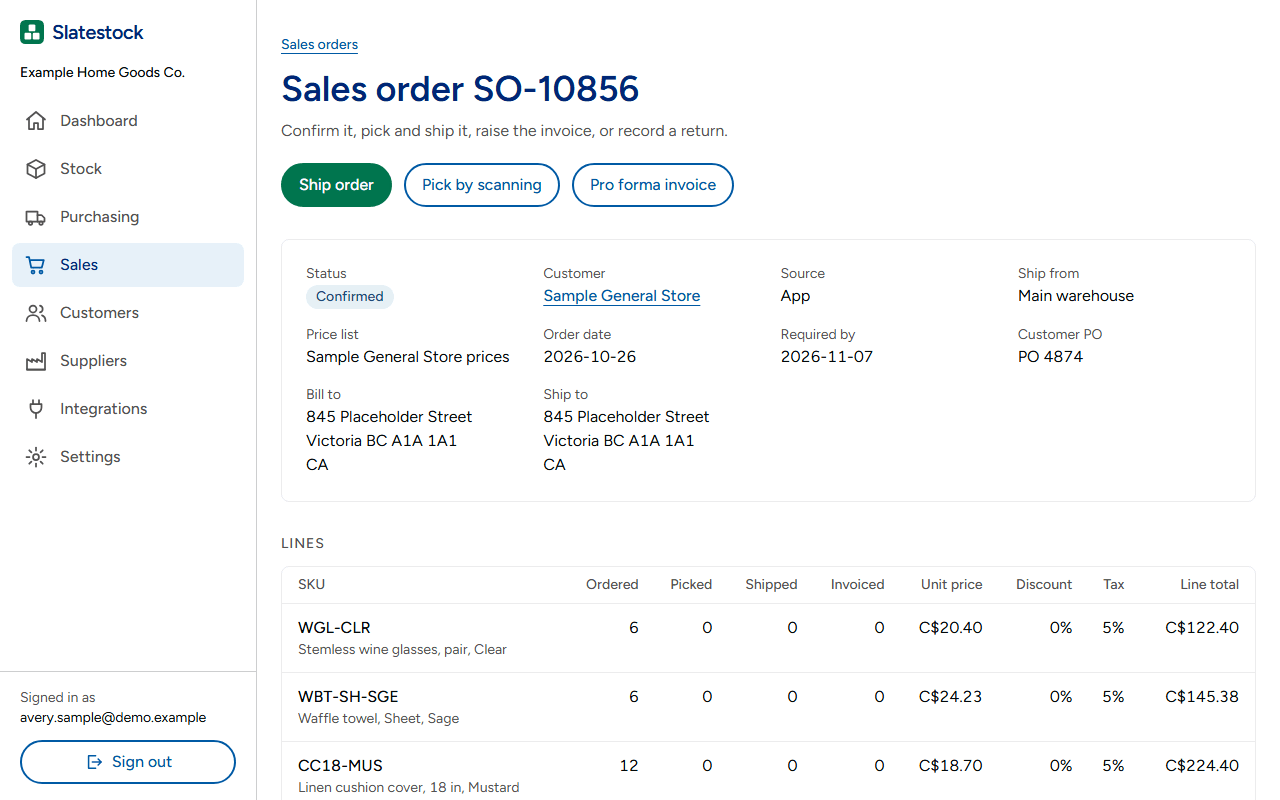
Sales order management
Take wholesale and online orders against real stock.
Each order reserves stock at a location, so you see what is free to sell.
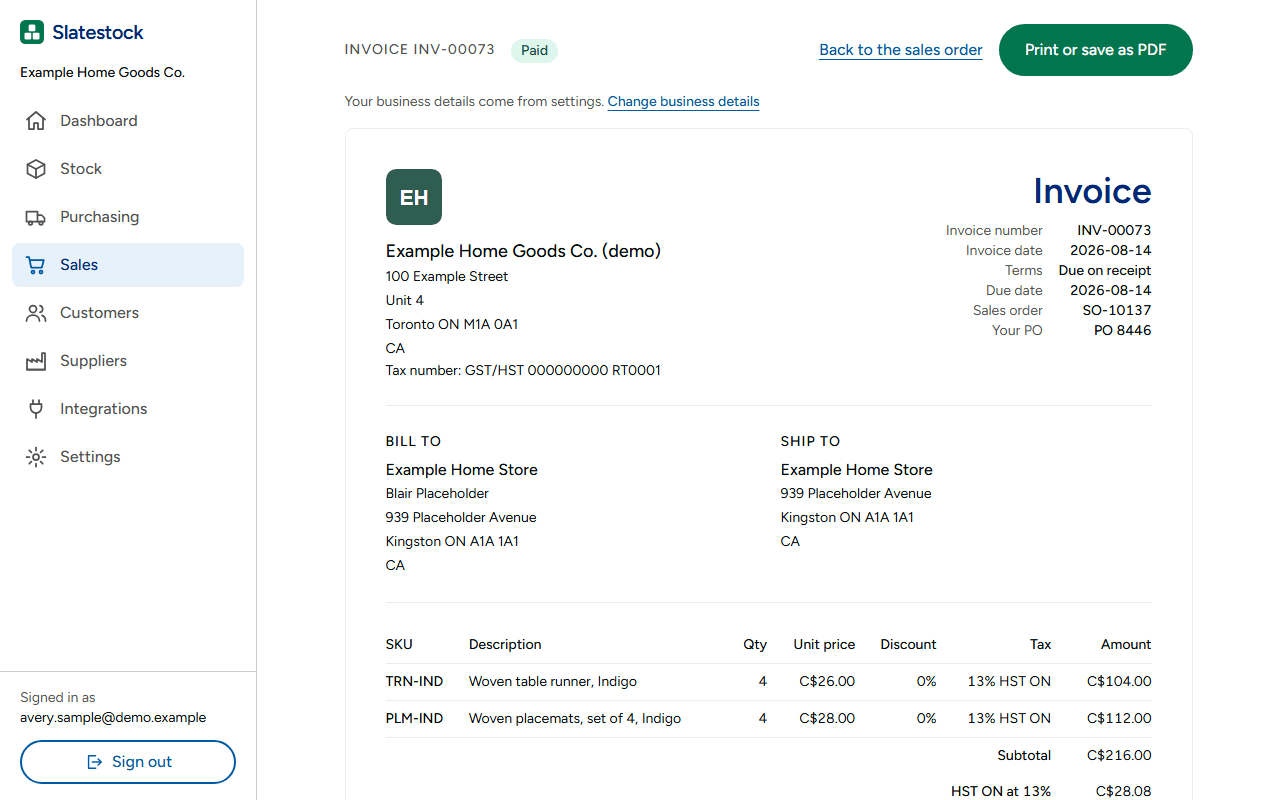
Inventory invoicing software
Invoice a sales order when it ships.
The invoice takes its lines and prices from the order, so nothing is typed twice.
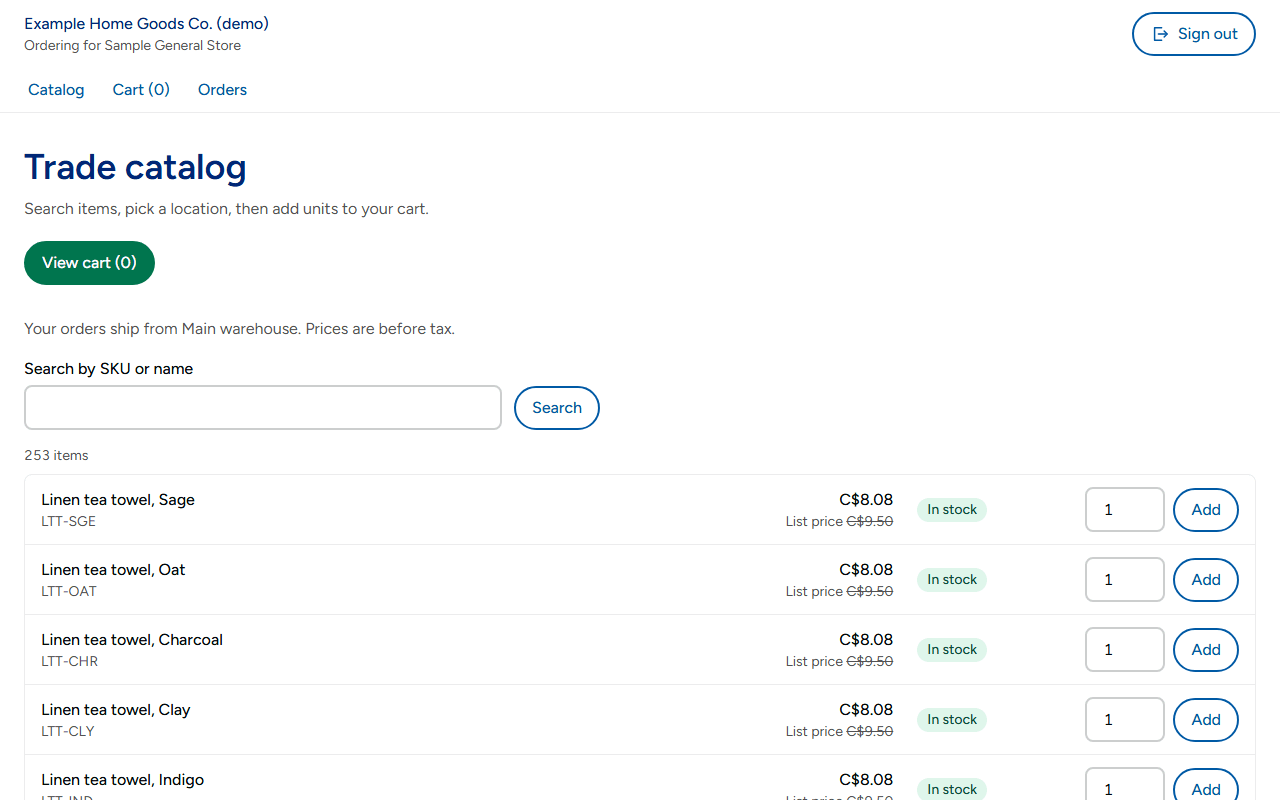
B2B ordering portal
Wholesale customers order for themselves.
Each customer group sees its own prices and orders against the stock you have.
Barcode scanning inventory
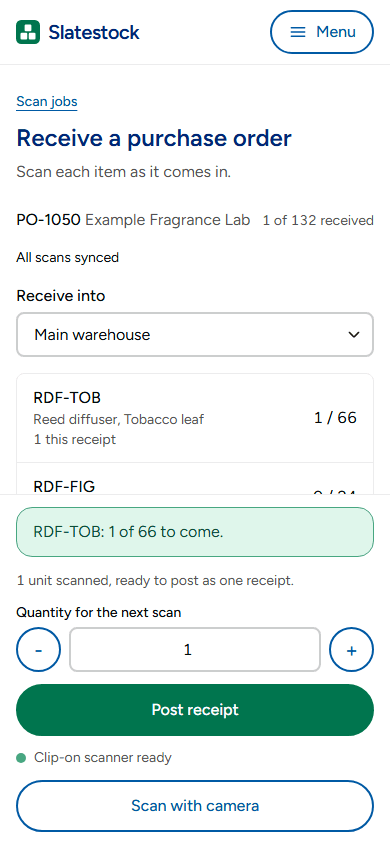
Scan stock in, out and during a count.
Use a phone camera or a Bluetooth clip-on scanner to receive, pick, transfer and count.
- The camera reads EAN-13, UPC-A, Code 128, Code 39, QR and Data Matrix.
- A clip-on scanner pairs with the phone as a Bluetooth keyboard.
- Scans made without a signal wait on the phone and sync when it reconnects.
- Print Code 128 or EAN labels on sheets or 2 x 1 inch thermal labels.
Multi-location inventory
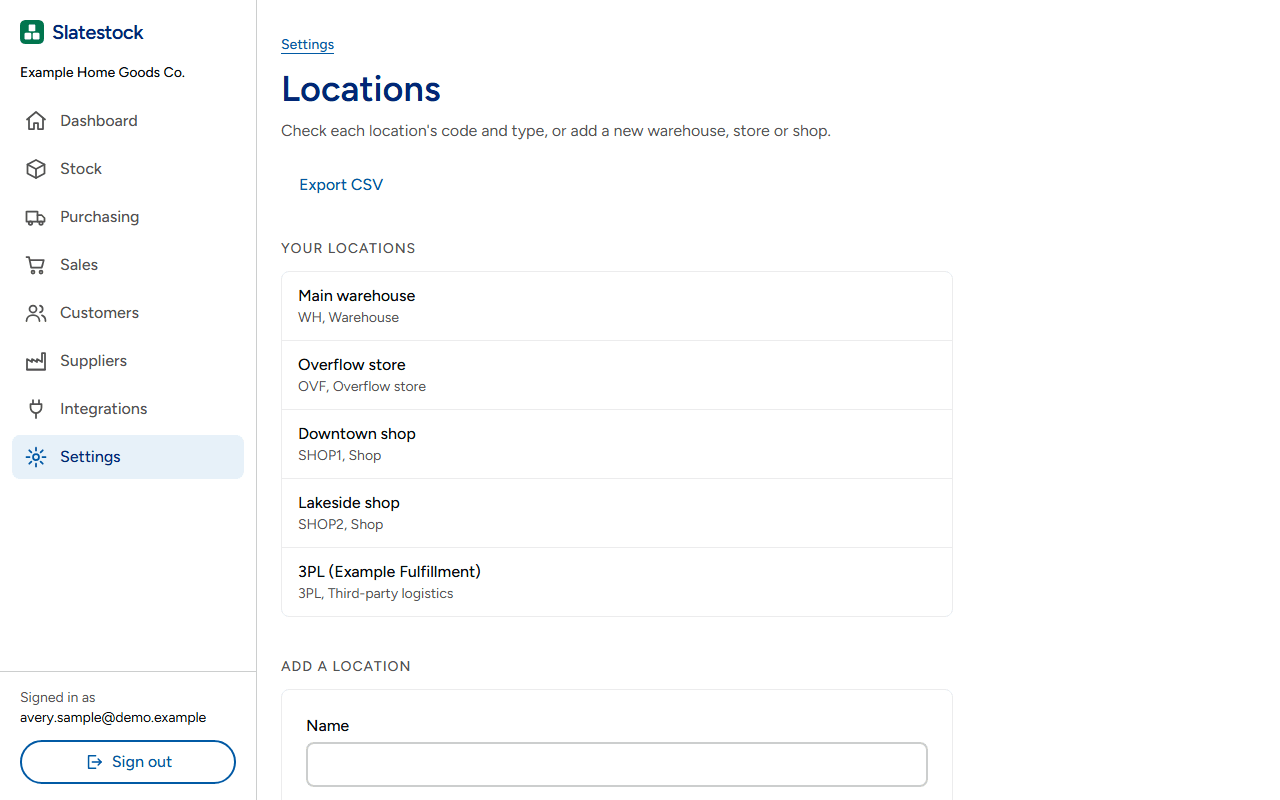
Every warehouse and stock room on one screen.
Add as many locations as you need, and move stock between them with a transfer.
Inventory software demo
See the jobs on a sample business with fictional stock.